
All posts
52 posts
Run Desktop Automations in Parallel Without Collisions
Learn how to run desktop automations in parallel across legacy software without session collisions, lockouts, or state corruption in enterprise environments.
How to Automate Citrix Hosted Applications from Pixels
Learn how to automate Citrix hosted applications when you only have pixels. Overcome resolution drift, dropped sessions, and brittle vision automation.
Automate Axon Trucking Software When EDI Falls Short
Learn how to automate Axon trucking software when EDI and vendor APIs leave gaps. Map workflows, isolate UI writes, and protect dispatch and billing records.
Human-in-the-Loop Desktop Automation: Safe Legacy Writes
Master human-in-the-loop desktop automation for legacy systems of record. Learn where approval gates belong, how to present diffs, and how to satisfy audit teams.
MFA in Unattended Desktop Automation: Production Guide
Learn how to handle MFA in unattended desktop automation for legacy EHR, ERP, and DMS software with service accounts, TOTP secrets, and re-auth logic.
Slower Is More Expensive: The Run-Time Cost of 100% Computer Use
Evaluating computer use cost for production? Discover why driving legacy UIs via pure agent loops inflates machine fees and token bills compared to code.
What to Do When SAP GUI Scripting Is Disabled on a Customer System
SAP GUI scripting disabled on a customer system? Here is the parameter chain, the read-only trap, and what to do when the change ticket will not land in time.
Scope a Legacy Desktop Automation Project Without Guessing
Learn how to scope a legacy desktop automation project by mapping steps and decisions instead of screens, using existing SOPs to avoid delivery delays.
AI Voice Agent EHR Integration for Patient Registration
Your voice agent has the patient's details, but the EHR API you can get does not cover registration. How to search, match and book on the desktop instead.
Quality Inspection Data Entry Automation for Legacy QMS
Your customer's quality module may not expose the inspection write you need. Here is how to automate quality inspection data entry into a legacy QMS.
What Computer Use Benchmarks Measure, and What They Miss
Agent benchmarks scored whether the task finished, not how long it took or what it cost. Computer use looks better on a leaderboard than it does in your pipeline.
Why Computer Use Doesn't Scale on Legacy Desktop Apps
Customers who tested both say computer use runs up to 11x slower. It is also harder to govern, because you only see what it did after it ran.
Computer-Use Agent Speed: Why It Often Runs Slower Than a Human
A computer use agent stops to think before every click, so the run takes longer than the person did. Minicor works out the steps once, then just runs them.
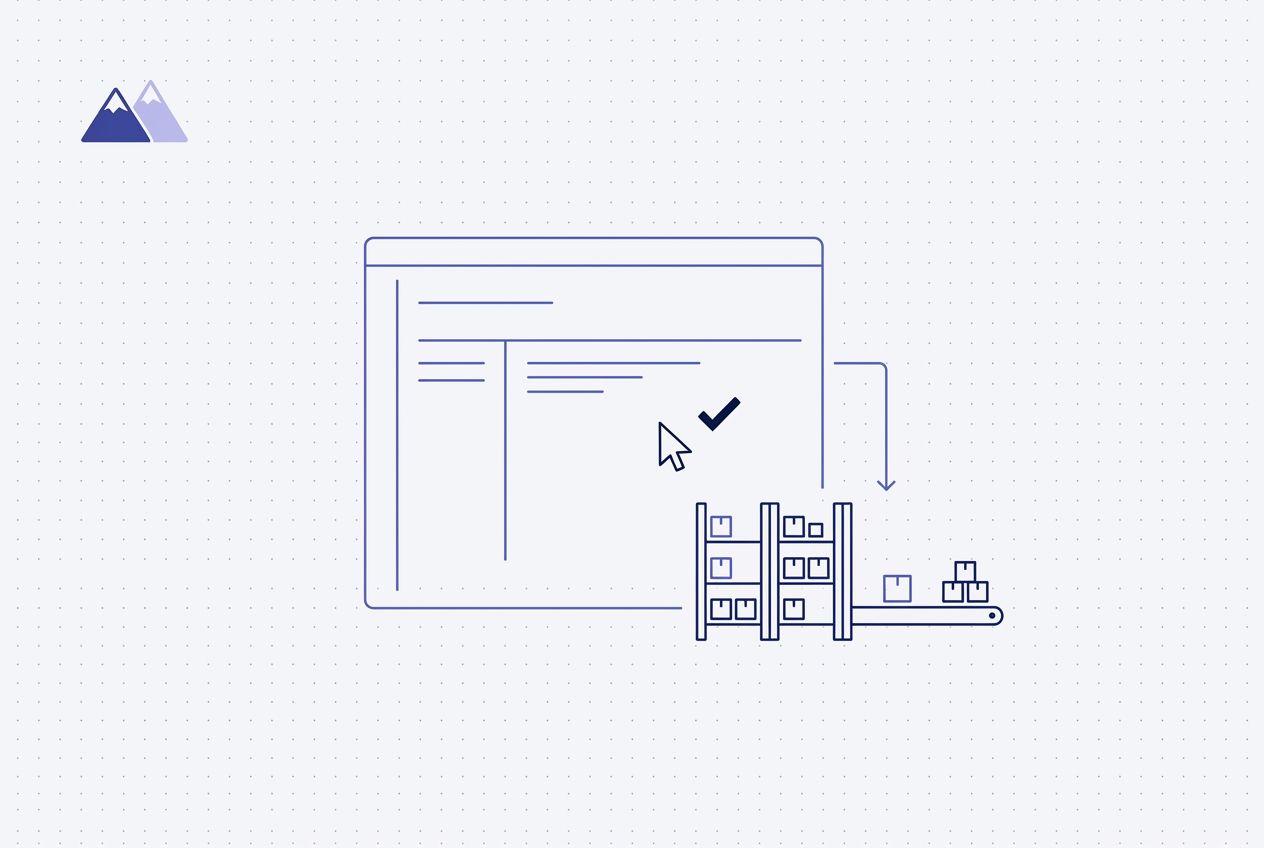
How to Automate a WMS: When the API Does Not Cover the Workflow
The WMS API exists but will not write the object you need. How to find where the gap is and close it by driving the desktop instead.
Managing Automations at Scale
Every automation you add is another script someone has to keep current. With Minicor the only thing you maintain is a blueprint.
Audit Trails for Automated EMR Writes: What Regulated Buyers Require
Hospital security reviews require specific audit trails for automated EMR writes. Map your infrastructure to HIPAA and ONC standards to pass the CISO review.
How to Build Legacy Desktop Automations Without Unmanageable Complexity
Legacy desktop automation projects turn unmanageable fast, even with a strong engineering team. How to keep scoping, build time, and change under control.
The RPA Maintenance Problem: Why Bots Break and How to Fix It
Discover how to solve the RPA maintenance problem. Learn why bots break and how Minicor uses self-healing agents to achieve 96-99% accuracy in production.
How to Write AI Scribe Notes into Epic Without an API
Learn how to build an ai scribe epic integration using deterministic Python and computer-use agents to write clinical notes directly into Hyperspace.
How to Write Data into athenahealth Without an API
Achieve athenahealth integration without api using self-healing desktop automation. Skip the partner approval bottleneck and write clinical data in weeks.
How to Automate QuickBooks Desktop Without an API
Learn how to automate QuickBooks Desktop without API access. Expose workflows as REST endpoints using self-healing desktop automation on Windows VMs.
How to Integrate AI Agents With Cerner Without API Access
Learn how to build reliable Cerner integration without API access. Use deterministic Python and self-healing AI agents to automate PowerChart and DynDoc.
How to Integrate AI Agents With Epic EHR Without API Access
Achieve epic ehr integration without api access using UI-level automation. Deploy AI scribes and prior auth tools in days with Minicor's self-healing agents.
How to Automate AS/400 Green Screens With an AI Agent (No API)
Learn how to automate AS/400 green screen workflows without an API. Use deterministic code and self-healing AI agents to drive 5250 terminals at 99% accuracy.
CDK Automation for Auto Dealerships
Minicor automates CDK Global, Reynolds & Reynolds, DealerSocket, and other dealership management systems without an API. Dealerships and automotive software teams use Minicor to pull inventory, process deals, and sync data across systems.
Automating Legacy ERP Systems Without Touching the Source Code
Legacy ERP systems like SAP GUI and Oracle Forms have no API. Minicor automates them with deterministic code and a self-healing recovery layer.
Automating Insurance Claims Processing on Legacy Desktop Systems
Insurance claims run through legacy Windows applications with no API. Minicor automates them with deterministic code and a self-healing recovery layer.
Why RPA Bots Break on Legacy Desktop Apps and How to Fix It
Learn why RPA bots break on legacy systems like Epic or CDK. Discover how self-healing automation uses reflection agents to fix brittle selectors for AI startups.
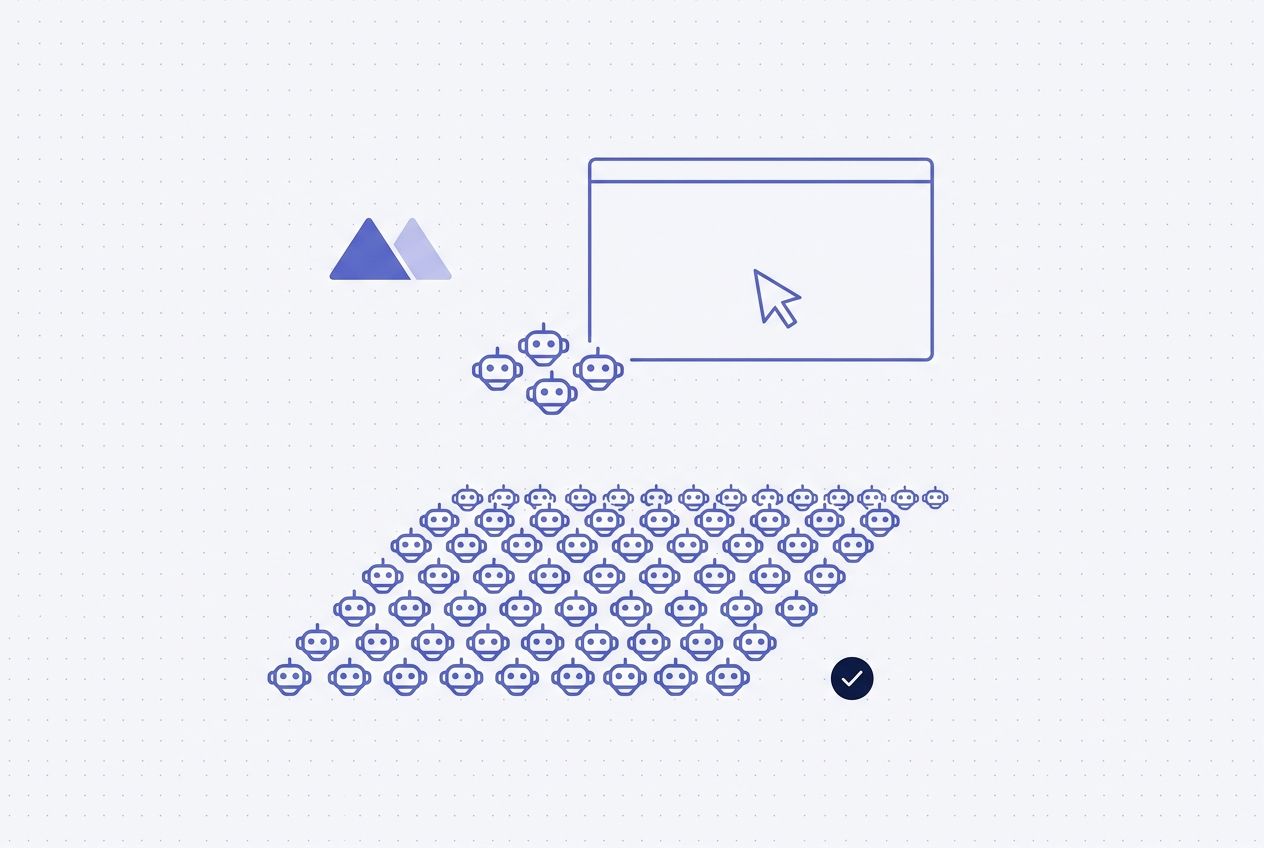
Scaling Desktop Automation from Five Bots to Five Hundred
Most RPA deployments stall at a handful of bots. Scaling to hundreds requires orchestration and session management that traditional tools were not built for.
The Hidden Cost of Keeping Legacy RPA Bots Running in Production
RPA vendors sell on build time. Nobody talks about the 90% of effort keeping bots alive after deployment. Here is what that maintenance actually costs.
Why Your RPA Total Cost of Ownership Is Higher Than You Think
License fees are the beginning. Factor in maintenance, failed runs, and downtime. The true cost of traditional RPA is three to five times the sticker price.
How to Automate SAP GUI and Legacy ERP Desktop Applications
SAP GUI, Oracle Forms, and Sage 300 run critical work on desktop. Deterministic replay drives the automation, with a computer use agent recovering on UI changes.
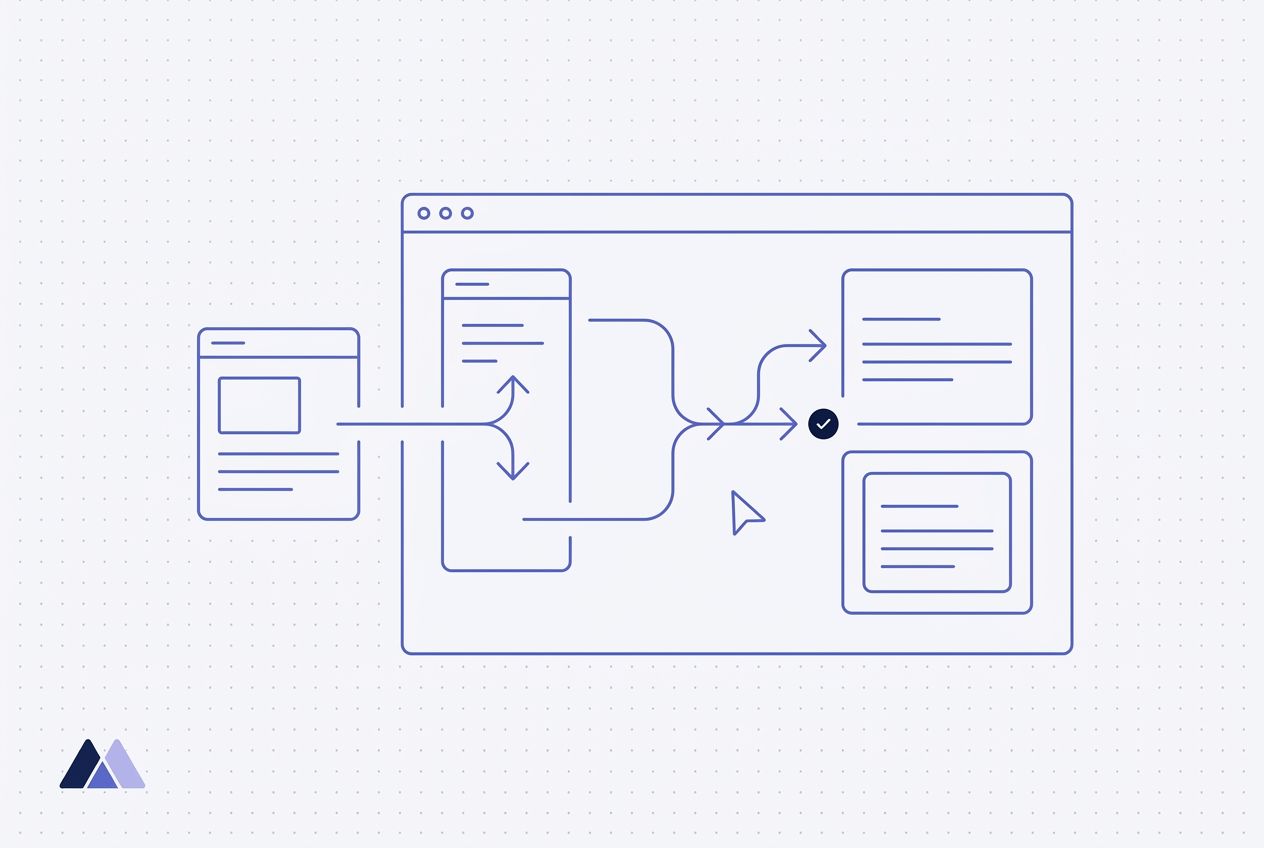
How to Automate CDK Global and Dealer Management Systems
CDK Global and Reynolds won't grant API access. Minicor automates their DMS desktop apps with deterministic workflows plus a computer use agent for recovery.
Why AI Companies Lose Deals (It Is Not the AI)
The AI works. The model generates the note, processes the invoice, classifies the document. Then the output needs to go into a legacy system with no API. That is where deals die.
What Makes Healthcare EHR Automation Different
The stakes are different. The UIs are deceptive. Session management is brutal. Here is what you learn when you automate EHRs in production.
Split Reasoning from Grounding: Why Two Models Beat One
Asking one model to both decide what to click and predict where it is on screen is asking it to do two very different jobs at once. We found that splitting them changes everything.
Citrix and Remote Desktop Automation with an Agentic Interface
Citrix and RDP environments are common in enterprise. An agentic interface works through the visual layer, making it ideal for remote desktop automation.
Self-Healing Automation: What It Means Beyond the Marketing
Every automation vendor claims self-healing. Here is what actually happens under the hood when a production automation encounters something unexpected.
Home Health EHR Automation: Wellsky, HCHB, and Kinser
Home health agencies run on desktop EHR systems with no APIs. AI companies serving this vertical need to automate referral intake, patient data entry, and scheduling.
When Clicking Is the Wrong Answer
Some tasks are fundamentally computational. Summing a spreadsheet column, parsing a PDF, renaming files. Clicking through a GUI for these is slow and fragile. The agent should know when to write code instead.
How to Automate Athena EHR Without API Access
Athena's on-premise desktop EHR has no writable API. Here is how an agentic interface automates it reliably in production.
EHR Automation Without APIs: An Interface for Legacy Health Systems
Healthcare EHRs rarely expose APIs. An interface layer gives deterministic, component-level access to legacy EHR systems at production scale.
Silent Failures: When the Automation Runs Fine But the Data Is Wrong
The worst kind of failure is not a crash. It is when the automation completes 'successfully' and puts data in the wrong field. Nobody finds out for hours.
Capture the Path Once, Then Run It Deterministically
A computer-use agent drives an app's real interface like a person. Here is why they break on repeat runs and how a captured deterministic path fixes it.
Why Every Action Needs a Verification Step
One missed click without a check cascades into five more bad actions. One missed click with a check gets caught in three seconds. The math is simple.
The Bottleneck Is Not AI Capability. It Is Legacy System Deployment.
AI models work. The problem is getting their output into legacy systems never designed for programmatic access. Deployment is the real bottleneck.
EHR Automation Tools for AI Companies: How to Pick an Integration Path
A guide to EHR automation tools for AI teams blocked on go-live: when FHIR is genuinely enough, and what to do when it is not.
The Compound Failure Math That Makes Click Accuracy Critical
95% per-click accuracy sounds great. On a 20-step workflow, it means two out of three runs will have at least one misclick. Here is why recovery matters more than accuracy alone.
The Three Ways Traditional RPA Fails in Production
Traditional RPA can't verify actions, can't handle expected failures, and becomes unmaintainable spaghetti. Here is why each breaks in production.
How AI Agents Work With Legacy Software
Minicor is the infrastructure layer that gives AI agents access to legacy desktop software. When an agent needs to read from or write to a system with no API, Minicor interfaces with that systems and
How to Automate Software With No API: A Guide for Engineers
A practical guide to automating legacy desktop software when the API does not cover your workflow, and how to stop those automations from breaking.
Production RPA Observability: Beyond Dashboards and Log Files
When a desktop automation fails, you need to see what happened on screen. Log files are not enough. Visual replay changes how fast you resolve issues.